





Online request for correction on EPF member portal
If there is any changes or error while filing your membership at the EPF member portal. And you want to change the information in EPF member portal. Following are the steps involved to change Name, Date of birth and Gender with the help of online portal:
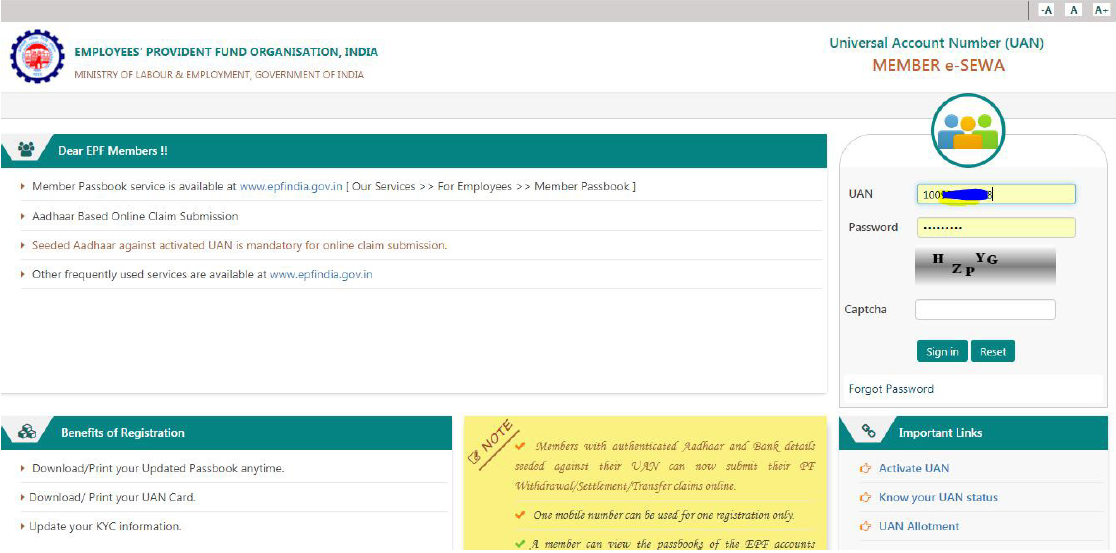
1.Member will login through his UAN/Password on Member Interface of Unified Portal, Sign in with your details:
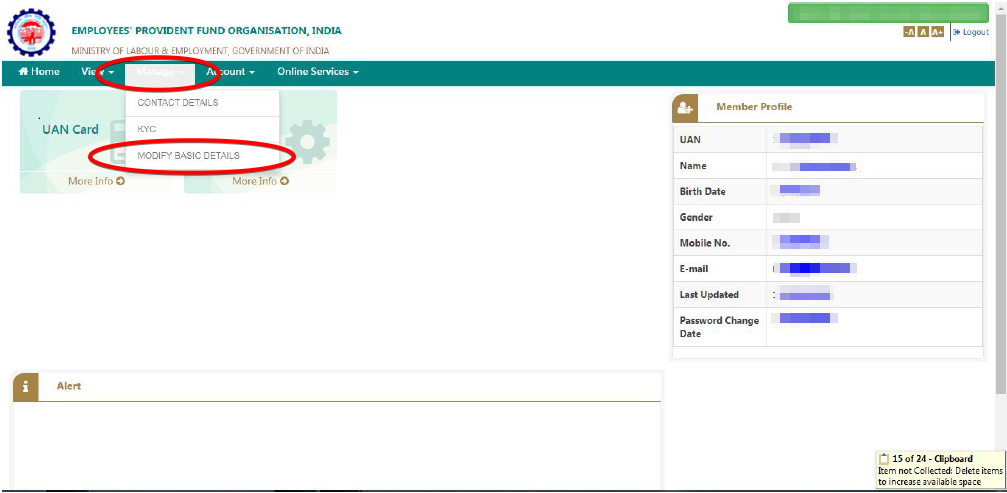
2. Click on “Manage>Modify Basic Details”.
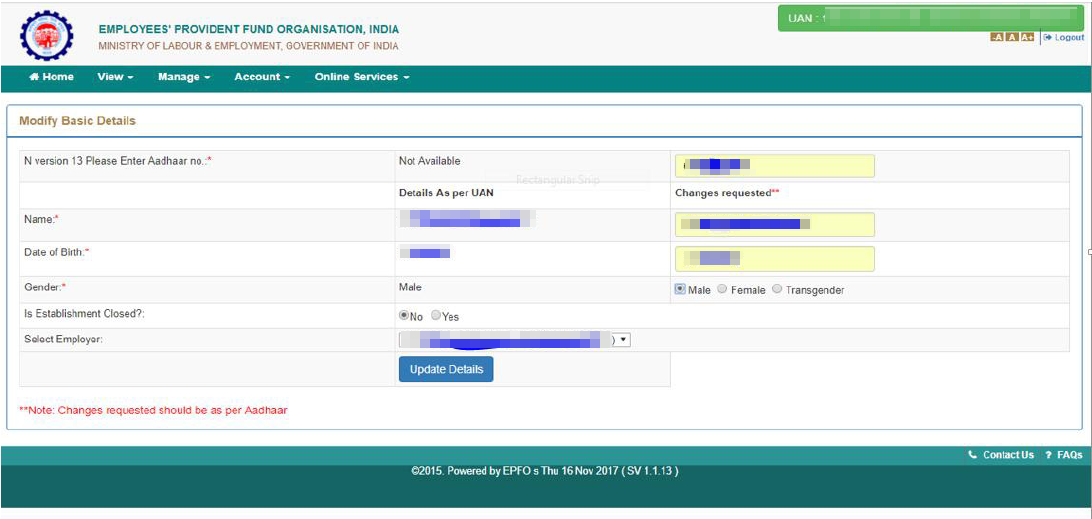
3. Please provide the correct details as per Aadhaar as per the screen shot, Name . DOB, Adhaar card Number And then click on upadate details.
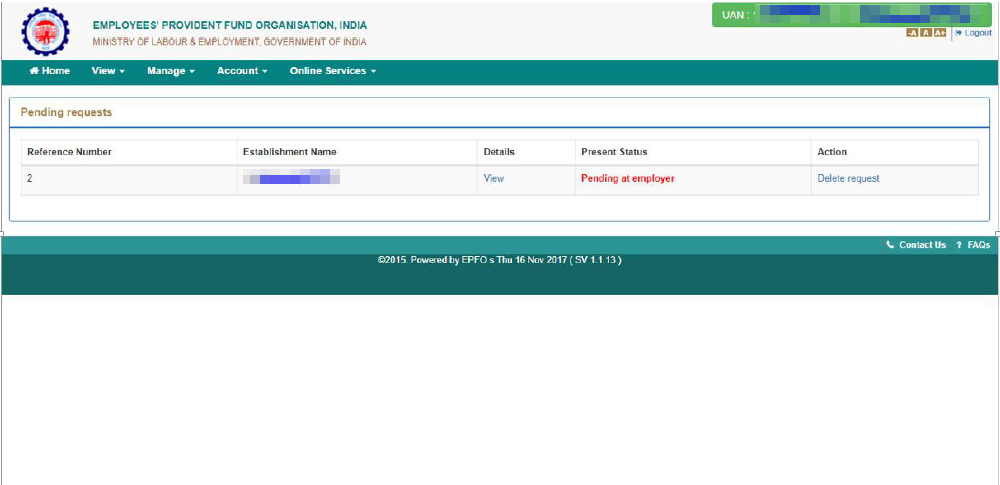
4.On clicking “Update Details” on previous screen, request will be submitted to employer for further approval. Before submission by employer, employee can withdraw the request by pressing “Delete Request”.